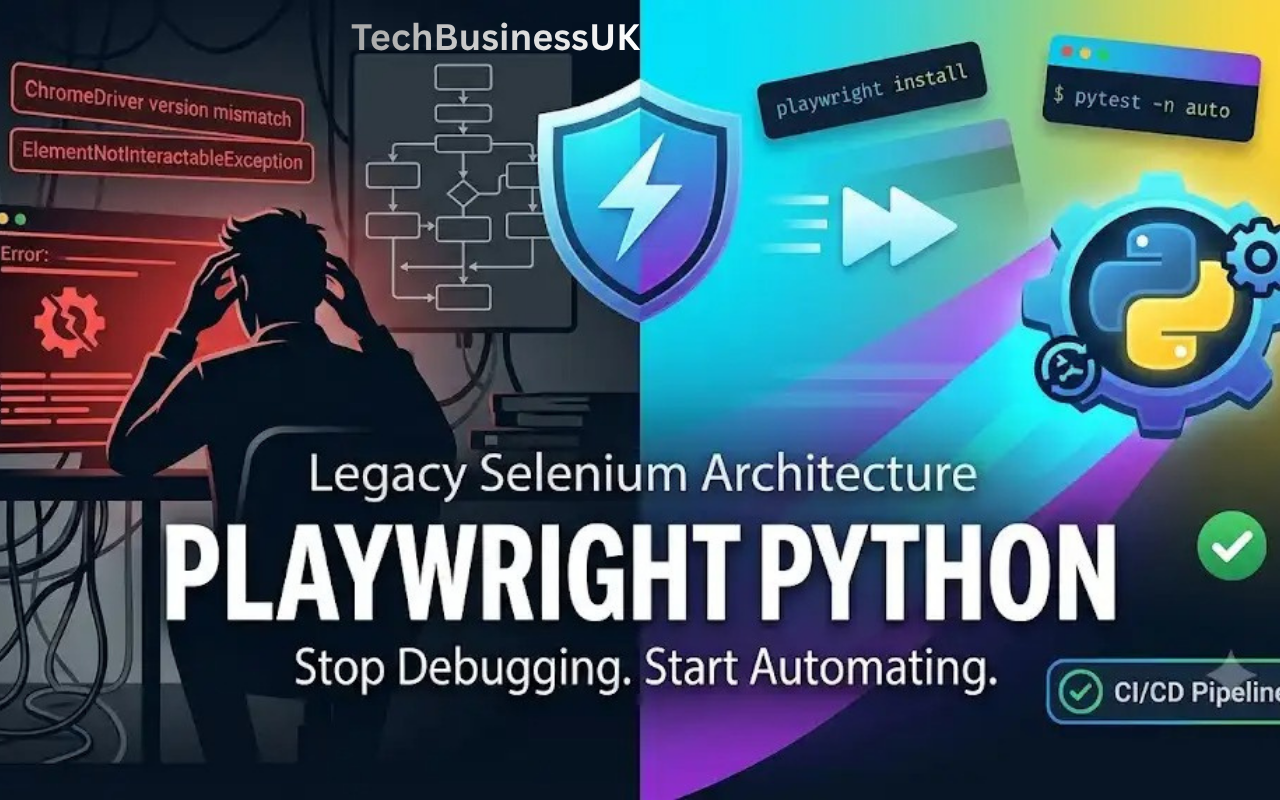
Last week, I spent three hours debugging a CI pipeline failure only to discover a ChromeDriver version mismatch. If you have spent late nights battling flaky Selenium scripts, random ElementNotInteractableException errors, or brittle time.sleep() hacks, you know the frustration. Legacy automation tools were built for a different web era. Modern web applications are dynamic and asynchronous. They require a modern tool.
Enter Playwright Python. Developed by Microsoft, Playwright brings native auto-waiting, parallel browser execution, and network interception to Python developers. Whether you are running complex UI workflows or verifying underlying endpoints, adopting modern playwright browser automation transforms unreliable test suites into fast, deterministic pipelines.
TL;DR: Why Upgrade to Playwright Python?
- No WebDrivers Required: Playwright uses native browser binaries (Chromium, Firefox, WebKit). Say goodbye to ChromeDriver path errors.
- Built-in Auto-Waiting: Playwright automatically waits for elements to be actionable before performing clicks or inputs.
- Execution Speed: Runs significantly faster than legacy setups thanks to its single-pipe WebSockets connection.
- Unified UI & API Testing: Validate backend endpoints and DOM states in the same test script using native request contexts.
- Powerful Tooling: Native support for Trace Viewer, Codegen, network mocking, and device emulation out of the box.
- Pytest Native: Deep integration via
pytest playwrightpackages provides parallel execution with zero boilerplates.
Environment Setup: Playwright Python Tutorial
Setting up your environment for playwright python execution is straightforward. Follow this step-by-step playwright python tutorial to configure a clean workspace, or refer to the official Microsoft Playwright Documentation for advanced installation flags.
1. Create a Virtual Environment
Isolate your testing dependencies:
python -m venv venv
source venv/bin/activate  # On Windows: venv\Scripts\activate
2. Install Playwright and Pytest Integration
Install the main library alongside the pytest playwright plugin runner:
pip install playwright pytest-playwright
3. Install Browser Binaries
Playwright requires patched browser binaries to communicate directly via dev protocols:
playwright install
Pro Tip for Corporate Networks: If you are operating behind restrictive firewalls or need custom mirrors, set the environment variable before running the installation command:
export PLAYWRIGHT_BROWSERS_PATH=0or configurePLAYWRIGHT_DOWNLOAD_HOSTto route through your internal artifact repository.
Playwright vs Selenium Python: Architectural Breakdown
To understand why playwright python performs reliably, we need to inspect the underlying architectural shift. Evaluating playwright vs selenium python setups highlights how direct browser engine communication solves long-standing stability issues.
+-----------------------------------------------------------------------+
|                         SELENIUM ARCHITECTURE                         |
|  [Test Script] ---> [WebDriver] ---> [HTTP REST] ---> [Browser]      |
+-----------------------------------------------------------------------+

+-----------------------------------------------------------------------+
|                         PLAYWRIGHT ARCHITECTURE                       |
|  [Test Script] ===> [WebSocket / DevTools Protocol] ===> [Browser]    |
+-----------------------------------------------------------------------+
Selenium relies on the HTTP REST-based W3C WebDriver protocol. Every action—clicking a button, entering text, fetching element properties—requires an HTTP request/response cycle over a driver wrapper. This design introduces network overhead and state synchronization issues.
Playwright connects directly to browser engines using a single WebSocket pipe. By leveraging the Chrome DevTools Protocol (CDP) for Chromium, alongside equivalent internal hooks for Firefox and WebKit, Playwright operates inside the browser’s event loop.
| Feature | Legacy Selenium | Playwright Python |
|---|---|---|
| Connection Protocol | HTTP REST (WebDriver) | WebSocket / Native Dev Protocols |
| Driver Overhead | Requires external driver executables | Self-contained browser binaries |
| Wait Strategy | Manual explicit/implicit waits | Native actionability checks |
| Browser Engines | Chromium-focused, limited Safari | Chromium, Firefox, WebKit (Safari) |
| Execution Speed | Slow due to HTTP polling | Ultra-fast single-pipe connection |
| Parallel Execution | Complex Grid setup required | Native via pytest-xdist |
Bridging API and UI Testing
Modern test suites shouldn’t force you to choose between slow UI tests and disconnected API checks. Playwright bridges this gap natively. You can issue HTTP calls to prepare test data, execute UI interactions, and verify database or API states—all within a single test execution.
import pytest
from playwright.sync_api import Page, APIRequestContext, Playwright

def test_user_creation_and_ui_login(page: Page, playwright: Playwright):
    # 1. Create a dedicated API request context
    api_context: APIRequestContext = playwright.request.new_context(
        base_url="https://api.example.com"
    )

    # 2. Seed test data directly via backend API
    response = api_context.post("/users", data={
        "username": "qa_tester",
        "role": "admin"
    })
    assert response.ok

    # 3. Perform UI verification seamlessly
    page.goto("https://app.example.com/login")
    page.fill("#username", "qa_tester")
    page.click("#submit")

    # 4. Confirm UI state matches API creation
    assert page.is_visible("text=Welcome, qa_tester")
By leveraging dedicated backend calls prior to running frontend assertions, you can dramatically cut test suite runtime. If you are designing comprehensive test coverage across your stack, combining backend validation with front-facing automation allows you to evaluate your full set of API testing tools alongside browser workflows.
Pytest Integration: Running Tests with Pytest Playwright
The official pytest playwright integration provides built-in fixtures like page, context, and browser. This setup eliminates custom setup/teardown boilerplate while integrating cleanly into standard Pytest test suites.
Standard Test Example (test_search.py)
from playwright.sync_api import Page, expect

def test_search_functionality(page: Page):
    page.goto("https://example.com")

    # Playwright's locator API with web-first assertions
    search_input = page.locator("input[name='q']")
    search_input.fill("Playwright Python")
    search_input.press("Enter")

    # Asserting element state using expect()
    results = page.locator(".search-results")
    expect(results).to_be_visible()
Running Tests in Parallel
Executing tests sequentially slows down deployment cycles. Use pytest-xdist to run tests concurrently across multiple browser instances:
# Install xdist plugin
pip install pytest-xdist

# Run tests across 4 CPU cores in headless mode
pytest -n 4 --headed=False --browser chromium
Best Practices for Reliable Test Scripts
Flaky tests ruin trust in automated pipelines. Follow these engineering principles when using playwright python.
1. Eliminate Manual Sleeps
Never write time.sleep(). It introduces fixed delays that waste execution time and fail when environments slow down. Playwright automatically checks element actionability (visibility, stability, enablement) before executing clicks or fills.
# BAD PRACTICE
import time
page.click("#submit-btn")
time.sleep(5) # Avoid this!

# BEST PRACTICE
page.click("#submit-btn") # Automatically waits for element to be visible and stable
2. Prefer Data-TestID Locators
Resilient locators protect your test suite from layout and styling changes. Target user-facing roles or explicit testing attributes:
# Resilient selectors
page.get_by_role("button", name="Submit").click()
page.get_by_test_id("dashboard-widget").click()
3. Implement Page Object Model (POM)
Keep your code clean by separating page locators from test logic:
# pages/login_page.py
from playwright.sync_api import Page

class LoginPage:
    def __init__(self, page: Page):
        self.page = page
        self.username_input = page.get_by_label("Username")
        self.password_input = page.get_by_label("Password")
        self.login_button = page.get_by_role("button", name="Log in")

    def navigate(self):
        self.page.goto("https://app.example.com/login")

    def login(self, username, password):
        self.username_input.fill(username)
        self.password_input.fill(password)
        self.login_button.click()
4. Asynchronous Workflows with Playwright Python Async
When building high-concurrency scrapers or handling complex asynchronous event streams, understanding async vs sync Python execution is crucial. Playwright offers synchronous and asynchronous APIs. Leveraging playwright python async via Python’s built-in asyncio allows you to manage dozens of page instances concurrently inside a single thread.
import asyncio
from playwright.async_api import async_playwright

async def main():
    async with async_playwright() as p:
        browser = await p.chromium.launch()
        page = await browser.new_page()
        await page.goto("https://example.com")
        print(await page.title())
        await browser.close()

asyncio.run(main())
CI/CD Pipeline Integration
To get the most value out of automated tests, run your suite on every pull request. Below is a complete GitHub Actions workflow.
GitHub Actions Workflow (.github/workflows/playwright.yml)
name: Playwright Python Tests

on:
  push:
    branches: [ main, develop ]
  pull_request:
    branches: [ main ]

jobs:
  test:
    runs-on: ubuntu-latest
    steps:
      - uses: actions/checkout@v4

      - name: Set up Python
        uses: actions/setup-python@v5
        with:
          python-version: '3.11'

      - name: Install Dependencies
        run: |
          python -m pip install --upgrade pip
          pip install playwright pytest-playwright pytest-xdist

      - name: Install Playwright Browsers
        run: playwright install --with-deps

      - name: Run Playwright Tests
        run: pytest -n auto --junitxml=results.xml

      - name: Upload Test Artifacts
        if: always()
        uses: actions/upload-artifact@v4
        with:
          name: playwright-traces
          path: test-results/
When integrating automated suites into continuous integration pipelines, ensure your broader testing stack includes complementary API security tools to scan endpoints before triggering full front-end regression passes.
Advanced Features: Tracing & Network Interception
Playwright includes powerful debugging tools out of the box.
1. Network Request Interception & Mocking
Mock network responses to test edge cases, error states, and rate limits without depending on live backend infrastructure.
def test_mock_api_failure(page: Page):
    # Intercept network route and return a 500 error
    page.route("**/api/v1/user/profile", lambda route: route.fulfill(
        status=500,
        content_type="application/json",
        body='{"error": "Internal Server Error"}'
    ))

    page.goto("https://app.example.com/profile")
    expect(page.locator(".error-banner")).to_contain_text("Failed to load profile")
If you are evaluating API resilience, mocking routes is ideal for testing API rate limiting behavior directly on the user interface.
2. State Preservation (Bypassing Re-Logins)
Log in once, save the storage state, and reuse auth tokens across your entire test suite:
# Save authentication state
context = browser.new_context()
page = context.new_page()
page.goto("https://app.example.com/login")
# ... perform login steps ...
context.storage_state(path="state.json")

# Reuse authentication state in subsequent tests
authenticated_context = browser.new_context(storage_state="state.json")
This pattern simplifies handling bearer tokens across automated sessions, cutting overall suite runtime down significantly.
Frequently Asked Questions
Is Playwright Python better than Selenium for modern web apps?
Yes. Playwright communicates directly with browser engines over WebSockets rather than routing actions through an HTTP-based driver wrapper. This design provides native auto-waiting, faster execution, built-in network interception, and consistent handling of shadow DOM elements.
Does Playwright support real Safari browsers?
Playwright tests WebKit, the open-source engine used by Safari. This setup allows you to execute WebKit tests on Linux, Windows, and macOS agents inside CI pipelines without requiring dedicated Mac hardware.
How do I generate test code automatically in Playwright?
Use the built-in CLI code generator tool:
playwright codegen https://example.com
This command opens a browser window alongside a recording interface that outputs ready-to-use Python code as you interact with the target application.
Upgrade to Playwright Python
Flaky test runs and broken ChromeDriver configurations cost engineering teams time and momentum. Playwright python offers an actionable, robust alternative to legacy automation setups. By combining direct browser protocol access, native auto-waiting, unified API/UI capabilities, and effortless Pytest parallelization, Playwright helps you ship code faster with complete confidence.
Stop patching outdated scripts. Initialize a clean virtual environment, run pip install playwright, and transition your test automation stack today.
About the Author